Download > Installation > Activation Instructions Office 2024
It also works for everyone Office 2016, 2019, 2021, 365 on the website which are installed identically and can be activated in the same way.
DOWNLOAD:
Go to download:
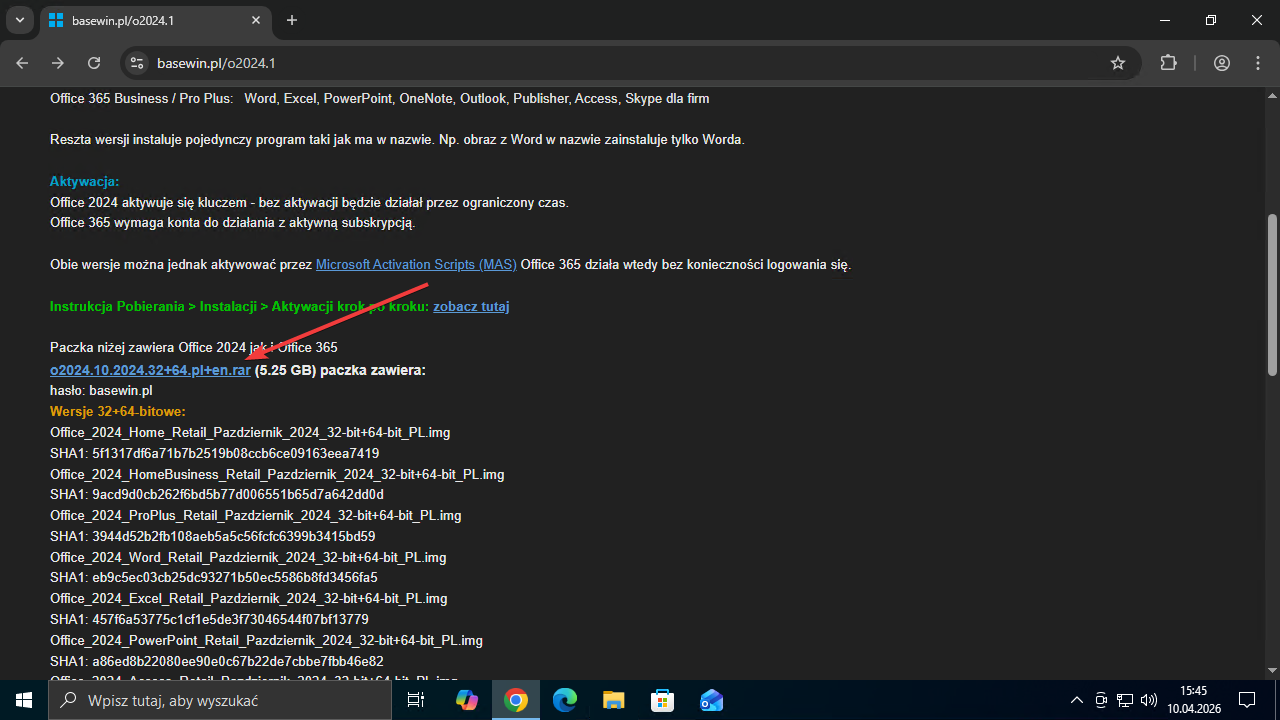
Select the hosting you want to download from:
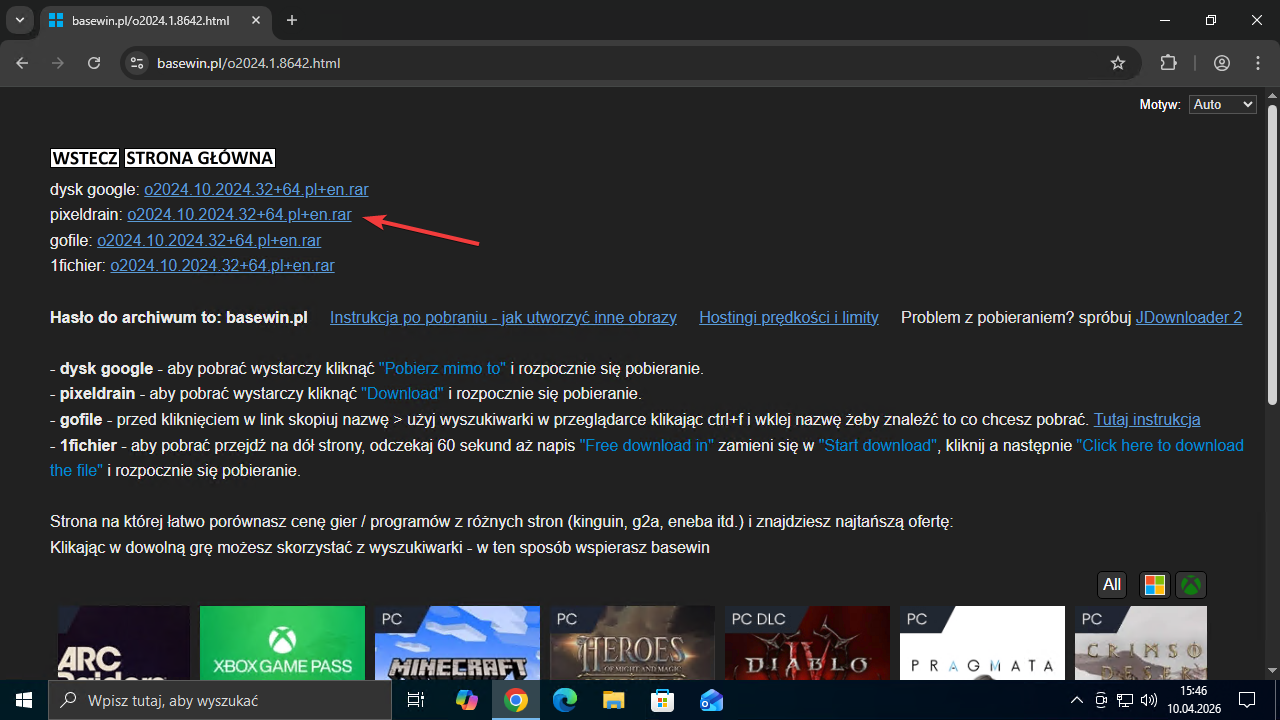
Download:
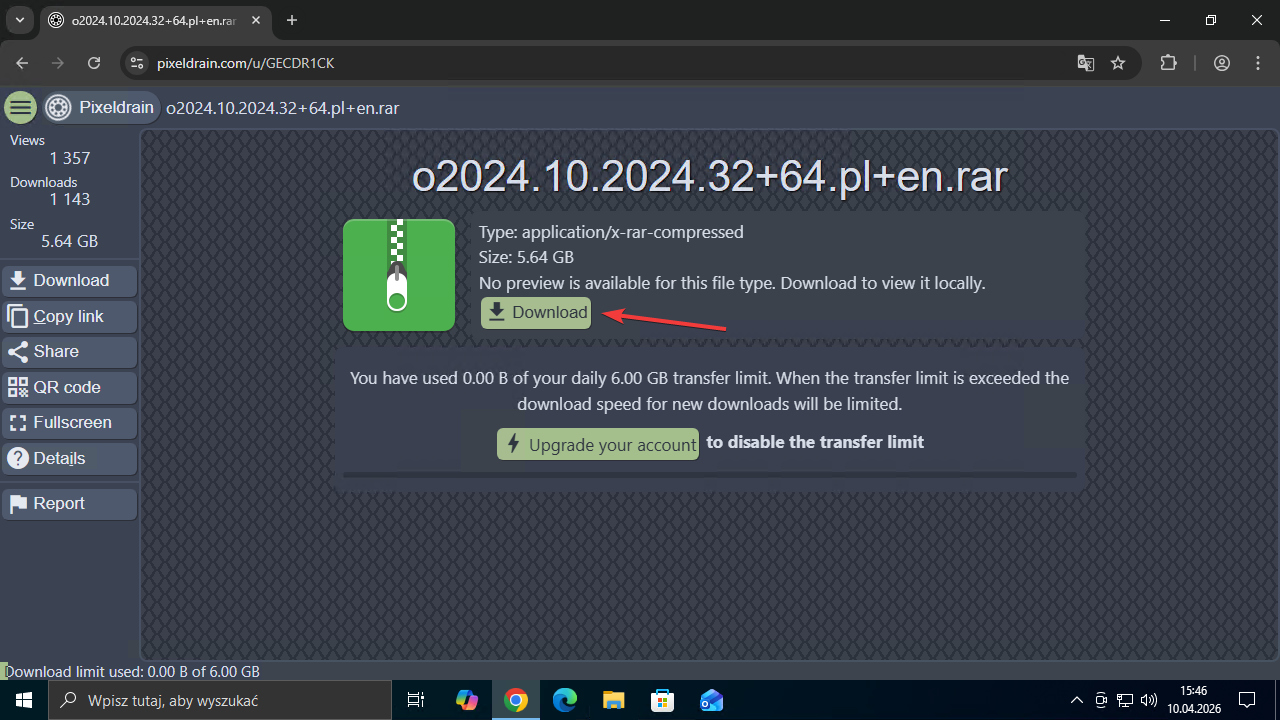
INSTALLATION:
Unpacking instructions with the program installed WinRAR to download: here - Polish downloads the Polish version. (If you use a different one, unpack it with another one)
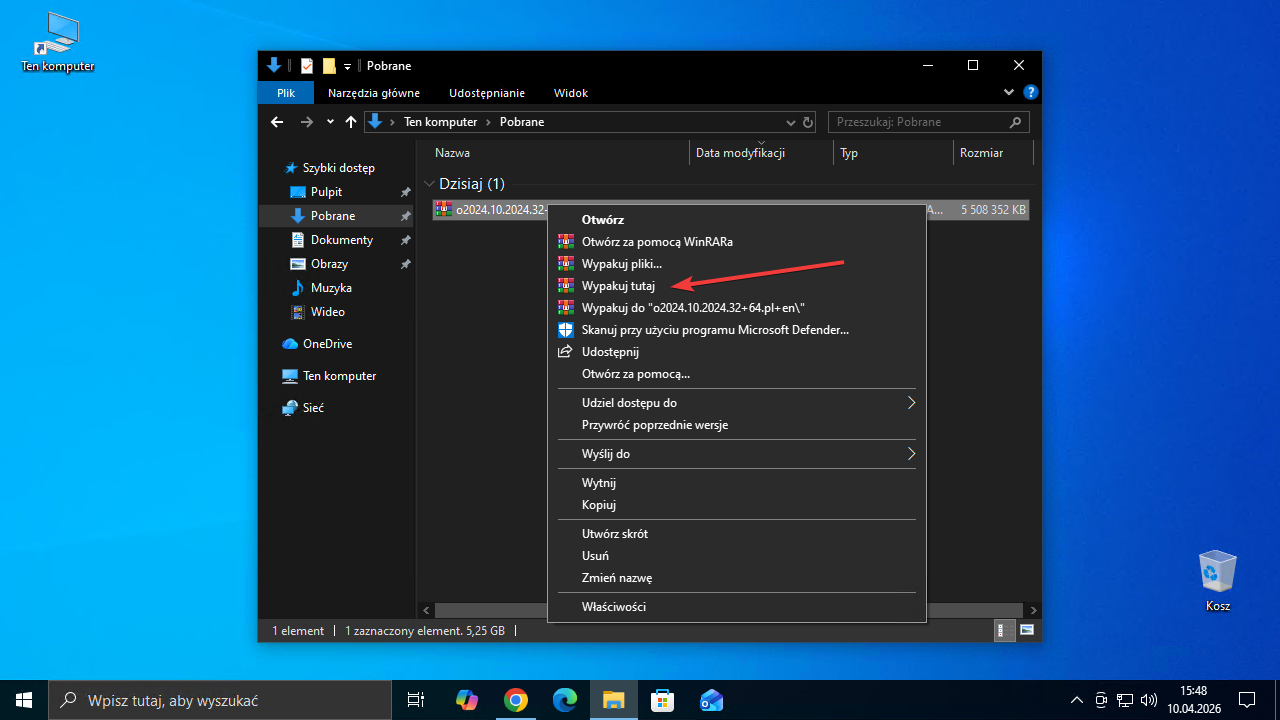
If you use Windows 10 right-click on the downloaded package > Extract here > password: basewin.pl
If you use Windows 11 right-click on the downloaded package > WinRAR > Extract here > password: basewin.pl
Go to the extracted folder:
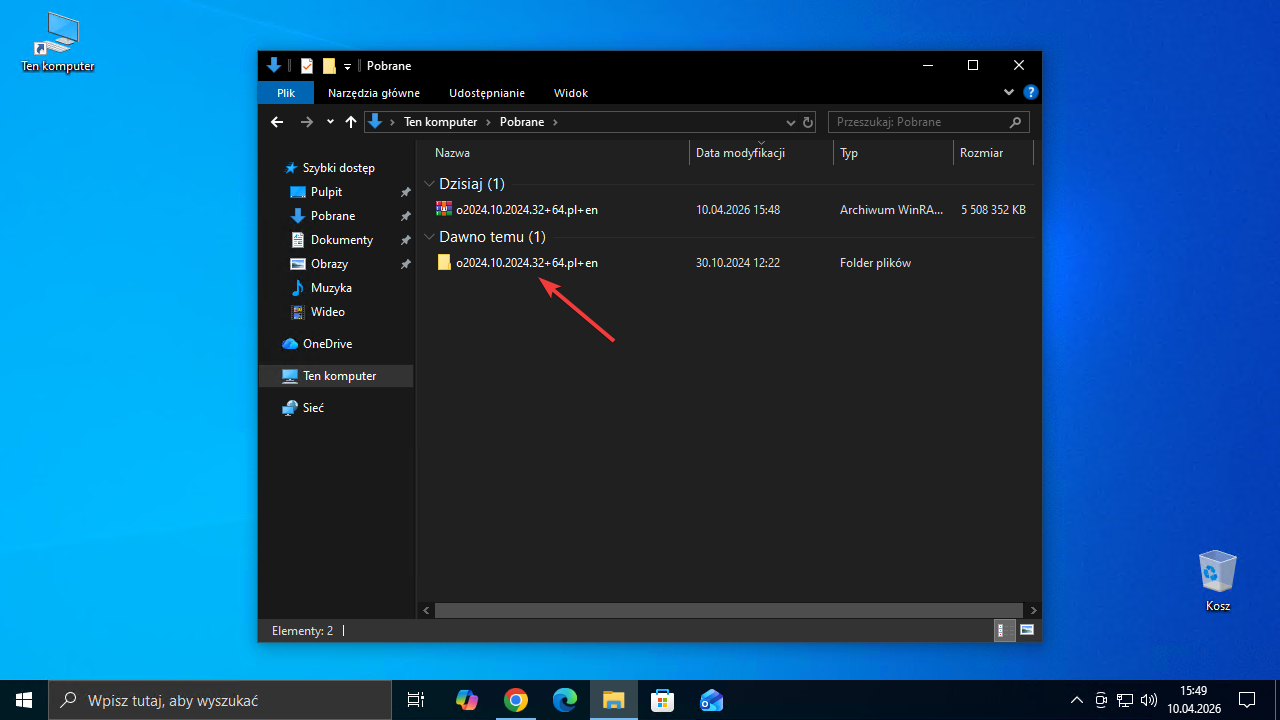
As you can see below, 1 image is ready to use (you can see its size) but the others which are 1 KB need to be created:
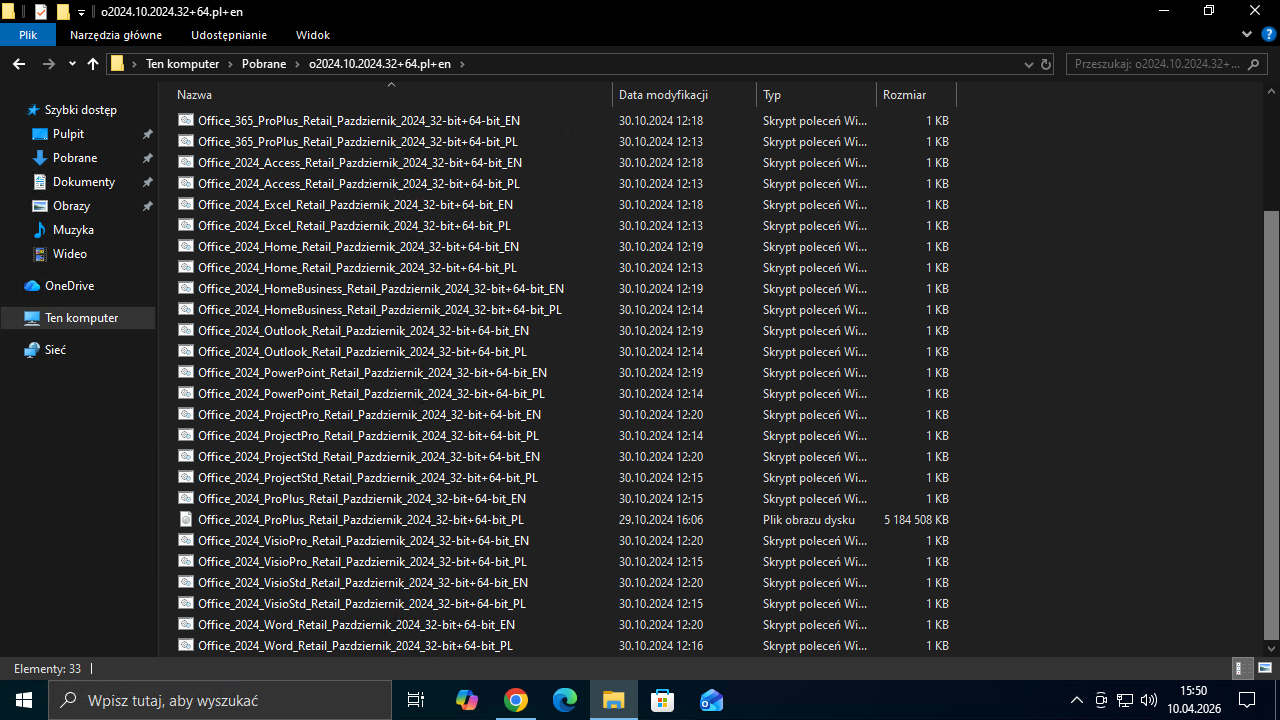
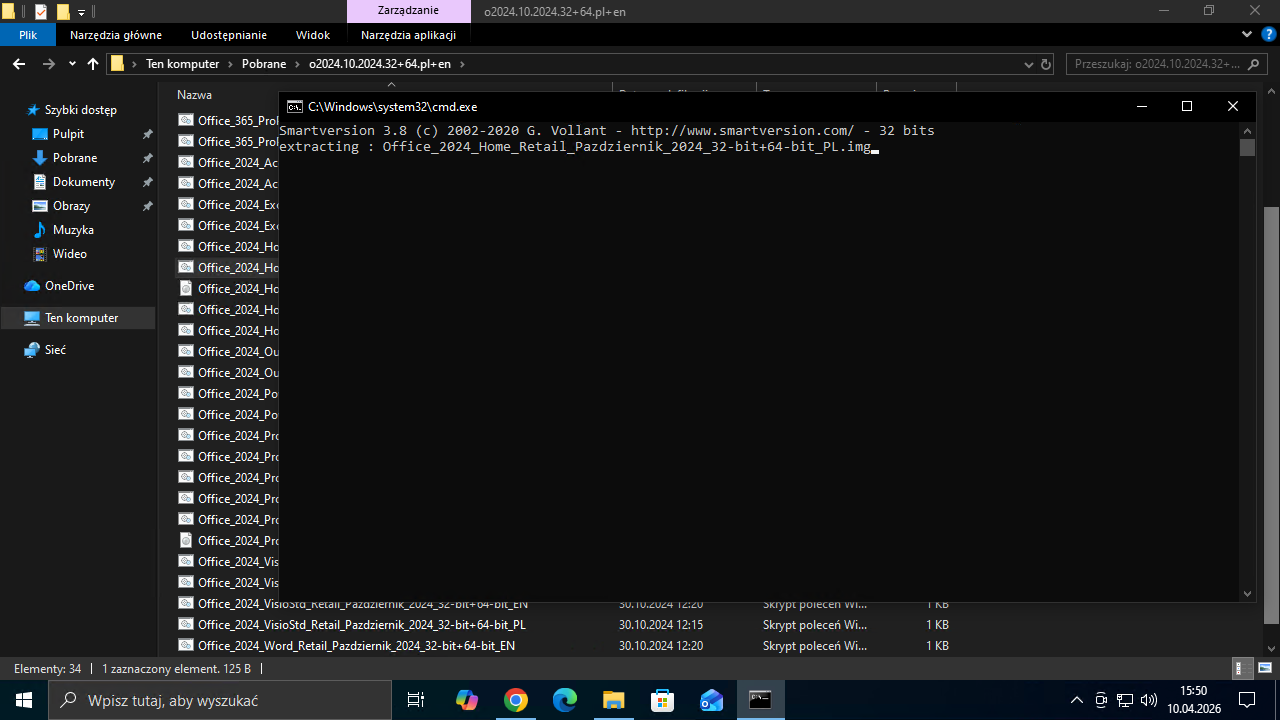
Let's say I want a painting Office_2024_Home_Retail_Pazdziernik_2024_32-bit+64-bit_PL.img then I run a 1 KB file with that name and the creation will start.
Then wait until the window closes itself, which will mean that the image has been created.
If you want to create an English version, please see the Instructions.
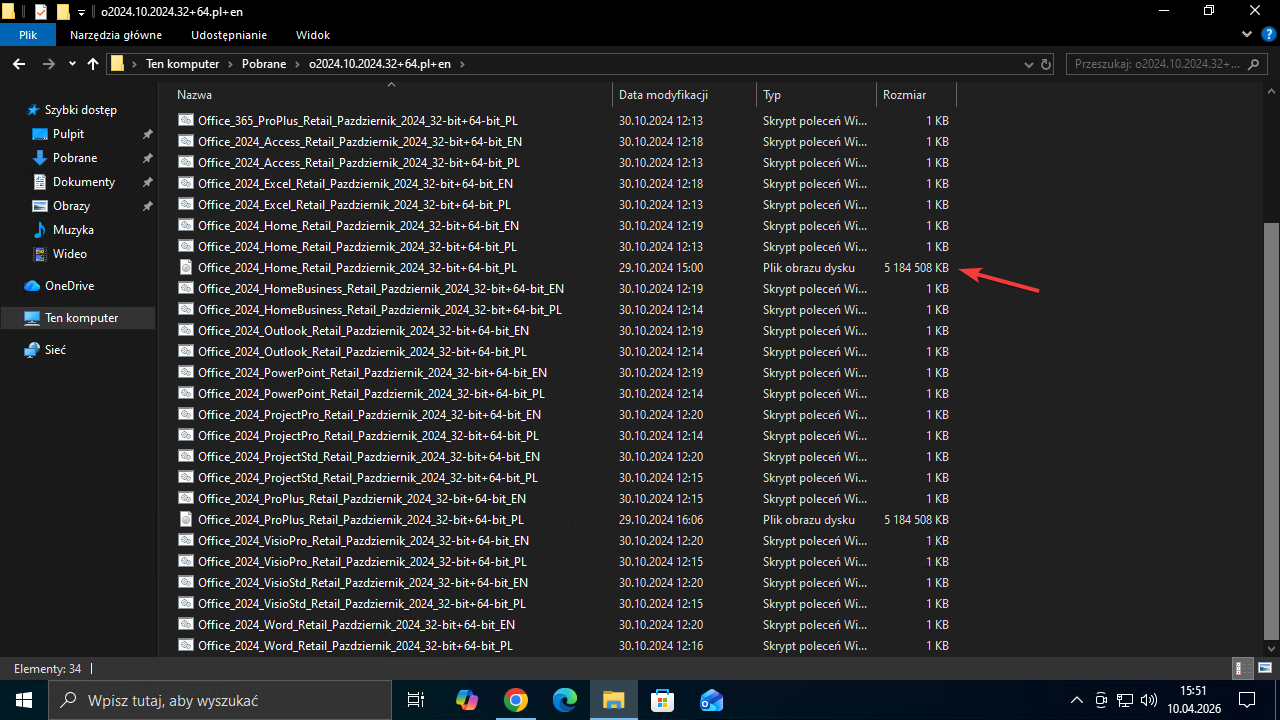
Once the image has been created, run it:
Go to the Office folder:
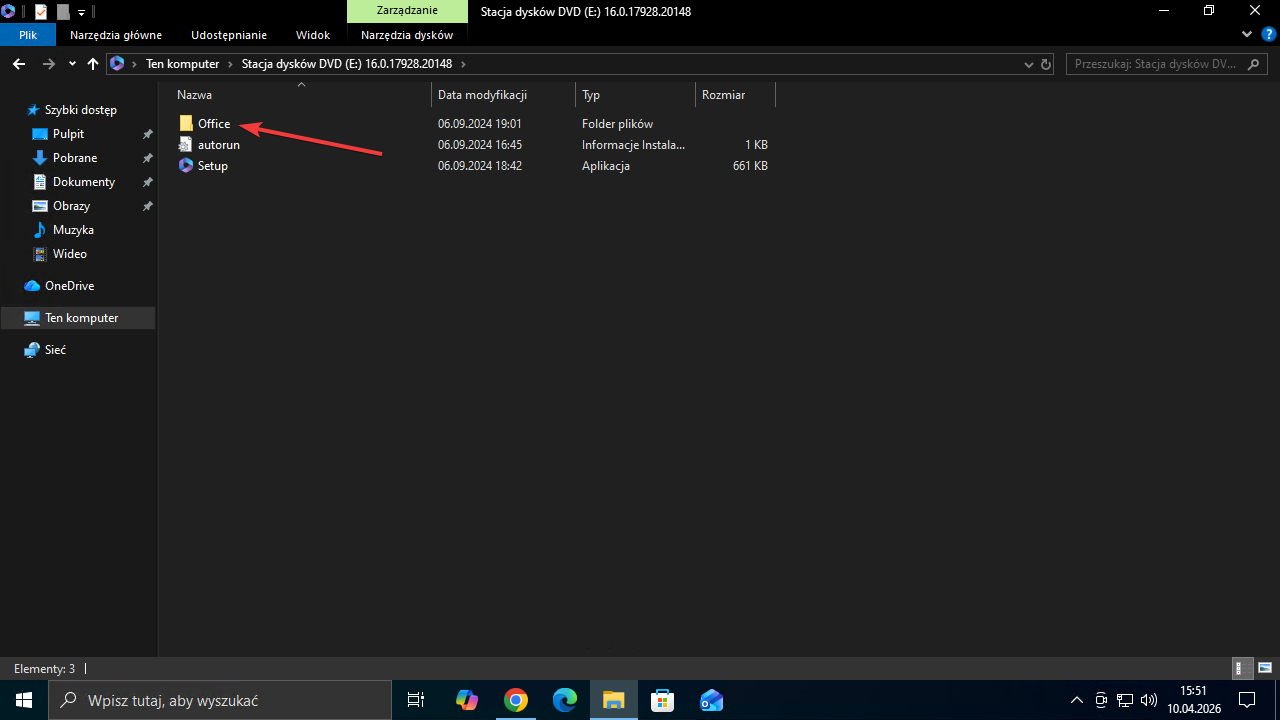
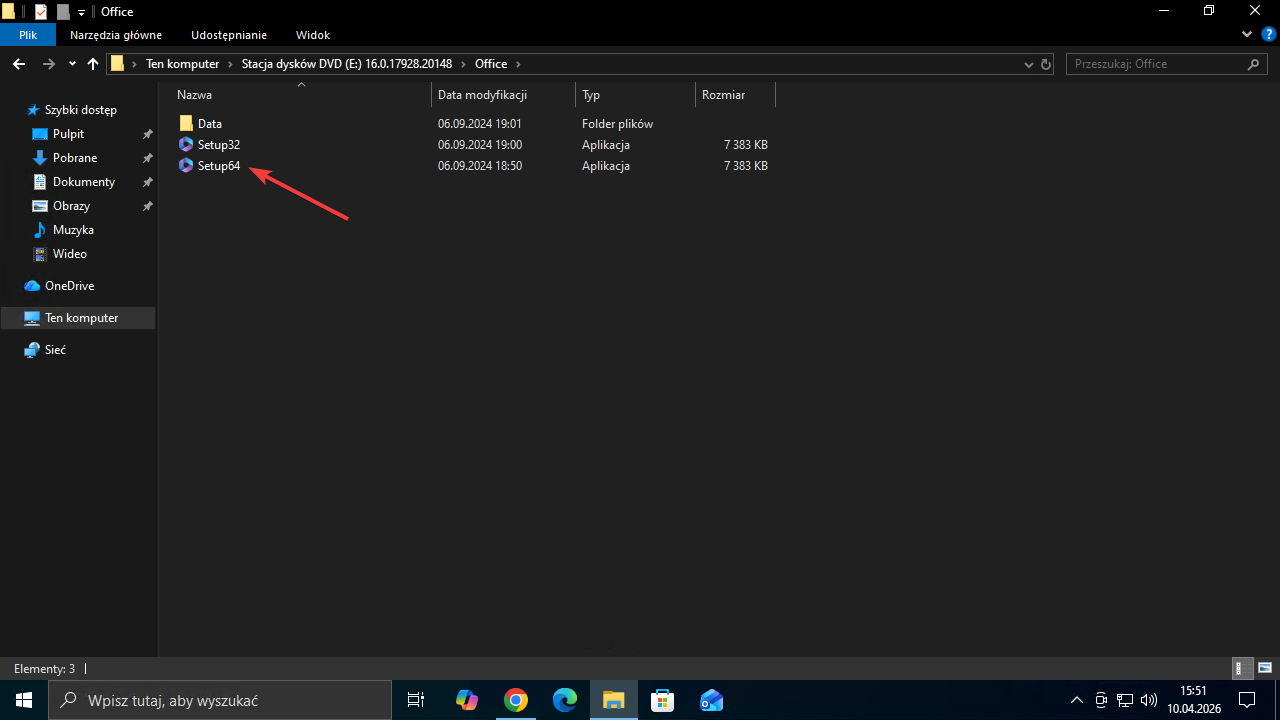
Enable setup64 to install the 64-bit version.
If you don't know whether you have a 32-bit or 64-bit system, run setup64. If you find out you have a 32-bit system, the installer simply won't run, so install it through setup32.
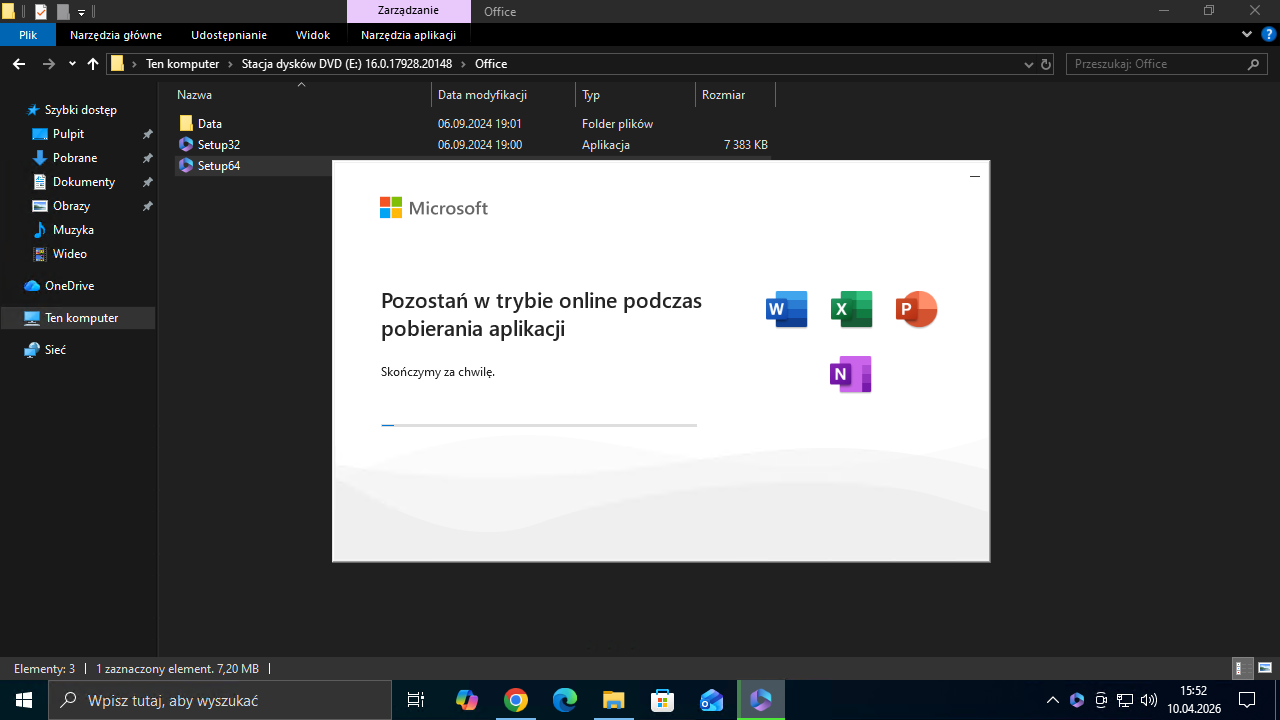
Once launched, the installation will begin immediately:
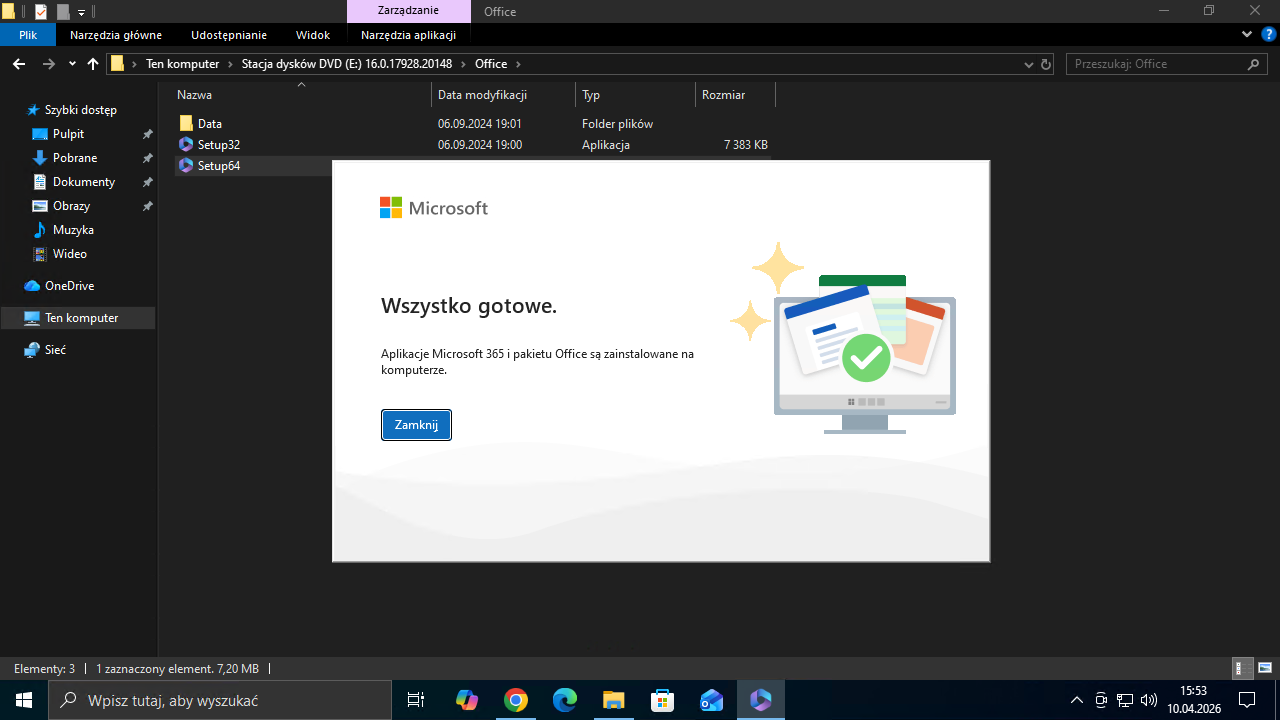
After installation is complete, you will see this window:
ACTIVATION:
Pirate Zone - Activator for activation Office in a way that is "undesirable" by Microsoft.
Whoever wants can use it, whoever doesn't want can use their license.
Go to https://basewin.pl/mas.office.link and follow steps 1 and 2 to proceed to the activation instructions